

Your whole business, in your pocket
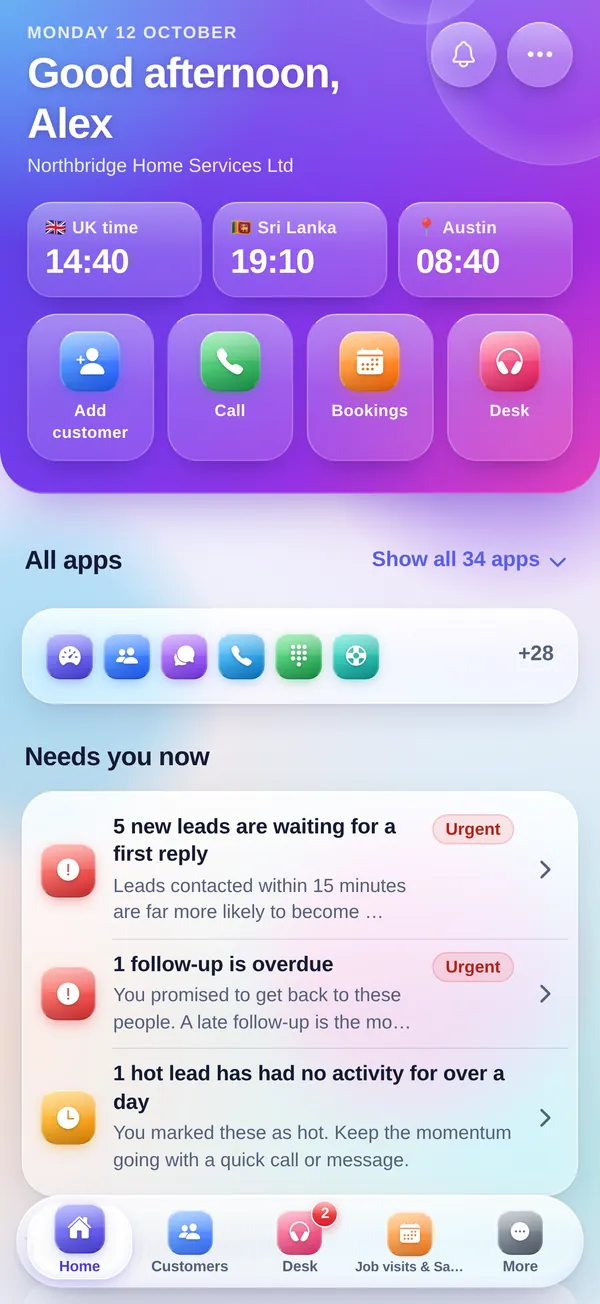
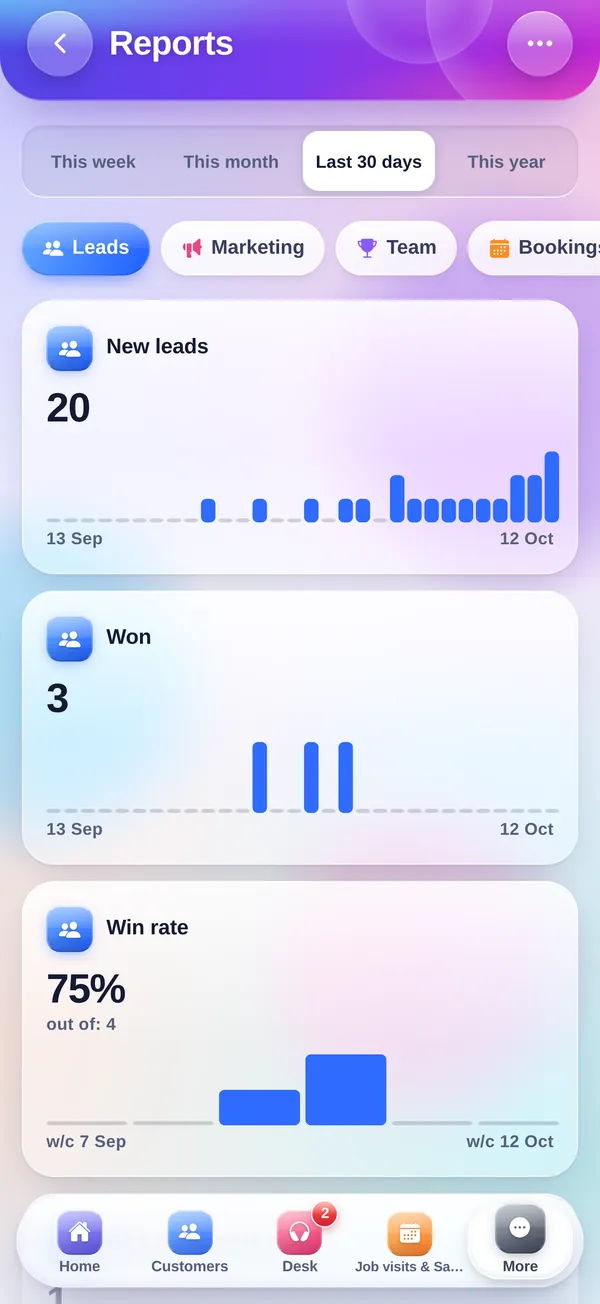
Call a customer, answer a message, check today's bookings, send a quote or clock in, wherever you are. Real app screens, built for one hand, with the same account as the website.
iPhone, iPad, Android phones and tablets
Sign in with your CompanyFlowHQ account
Everything your team does every day
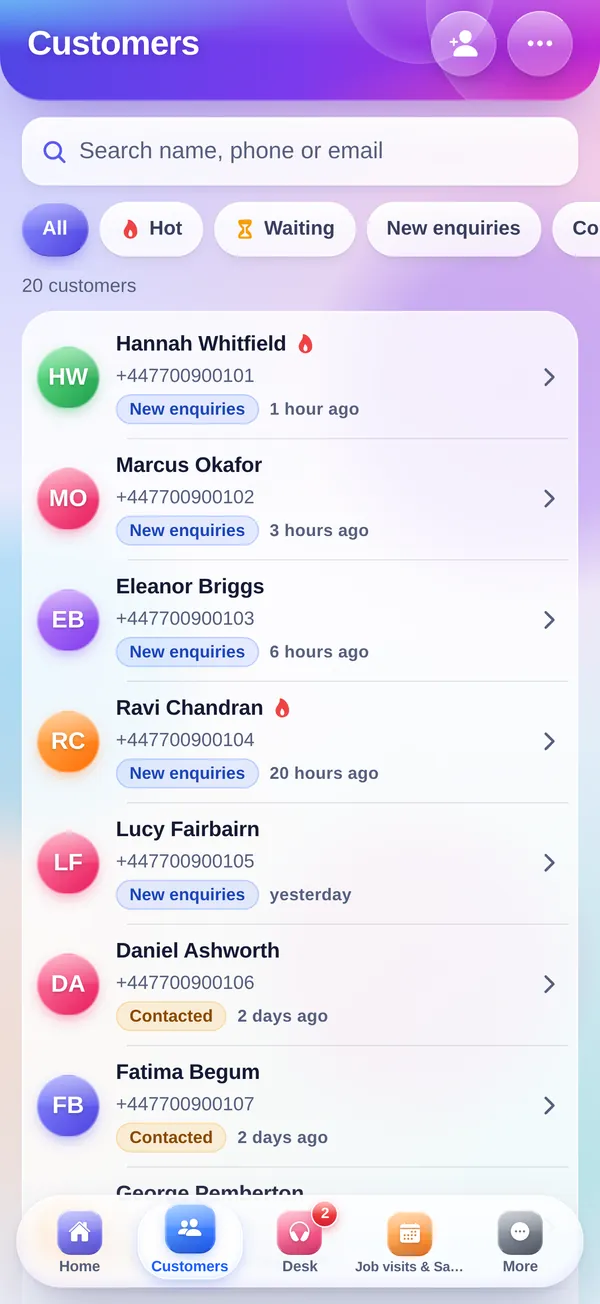
Customers and calls
Search, filter and open any customer. Call, WhatsApp or email in one tap, change the stage and add a note.
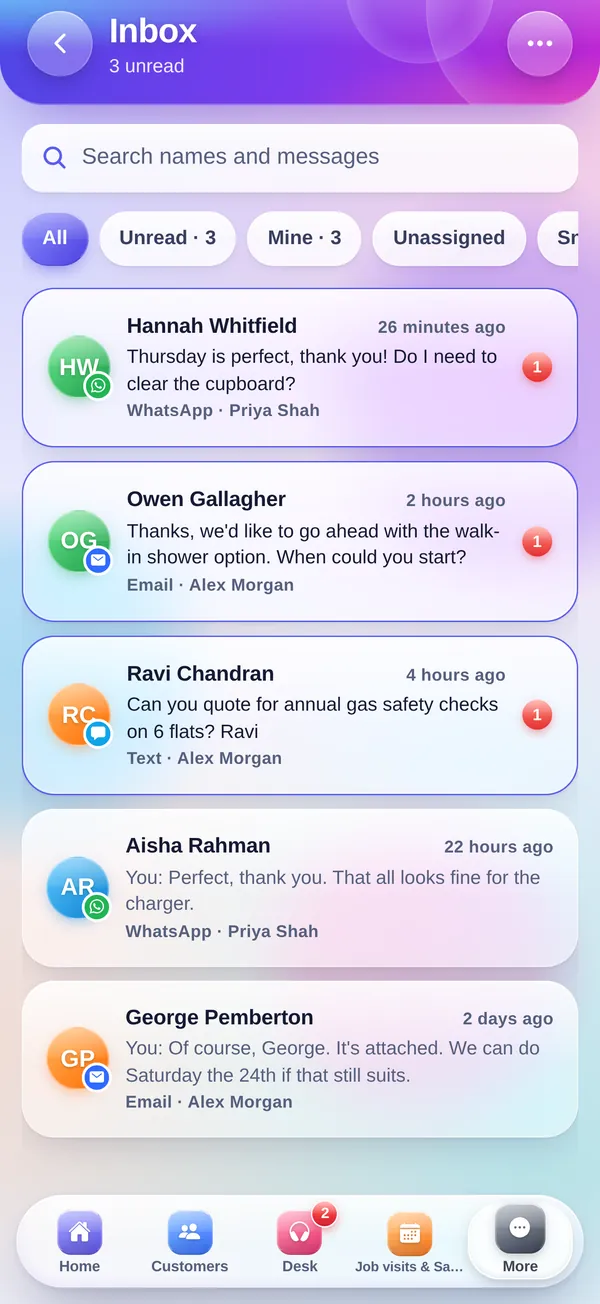
Inbox and team chat
Every conversation in one place. Reply, assign, snooze, or write a reply with AI.
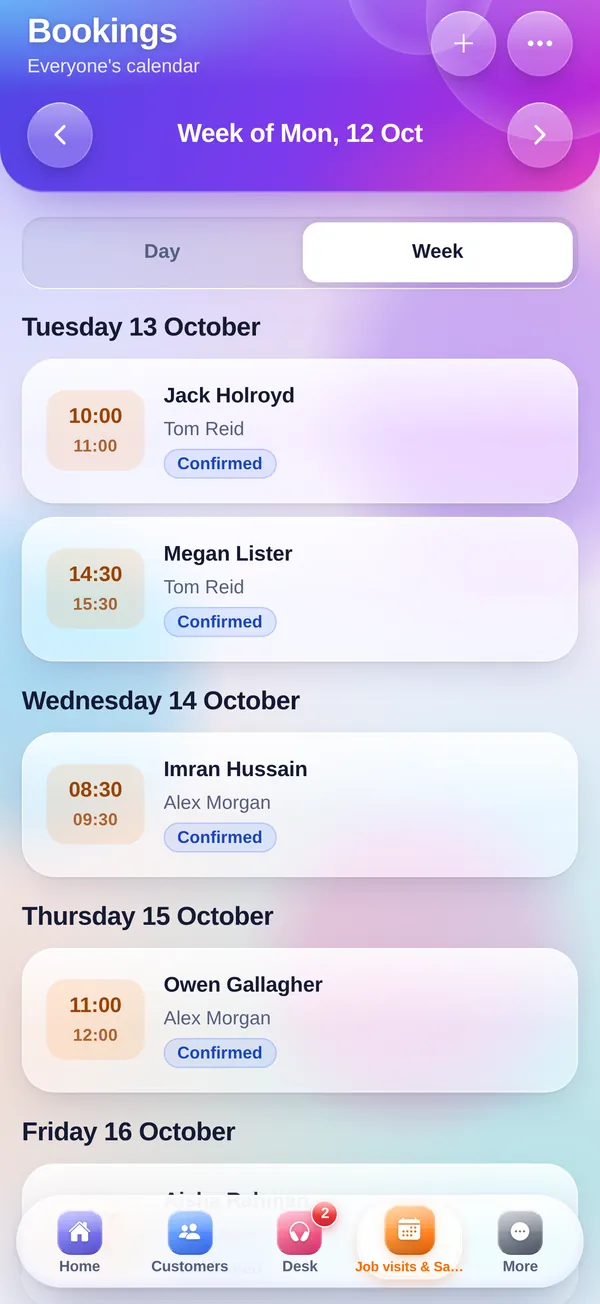
Desk and bookings
Today's consultations and appointments, check-ins, call-backs and urgent alerts that pop up until someone says "Seen".
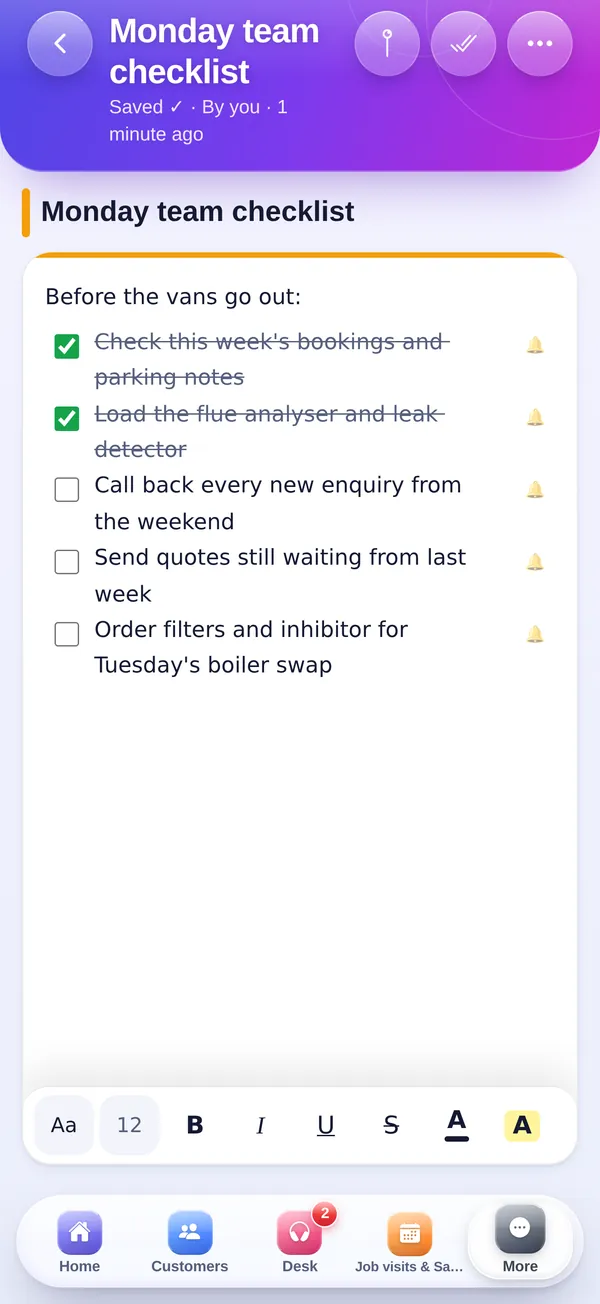
Notes and documents
The website's own editor with fonts, lists, pictures and tables, plus files and photos from your phone.
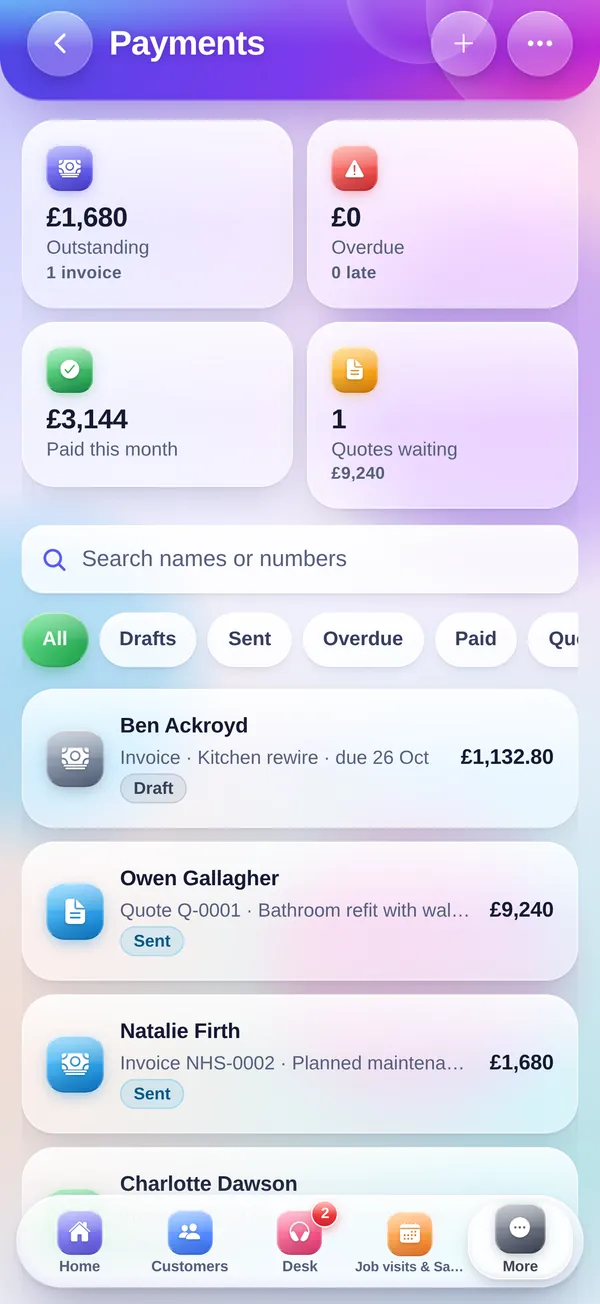
Quotes and invoices
Make and send quotes and invoices with your price list and VAT, turn a quote into an invoice, and see what's still owed.
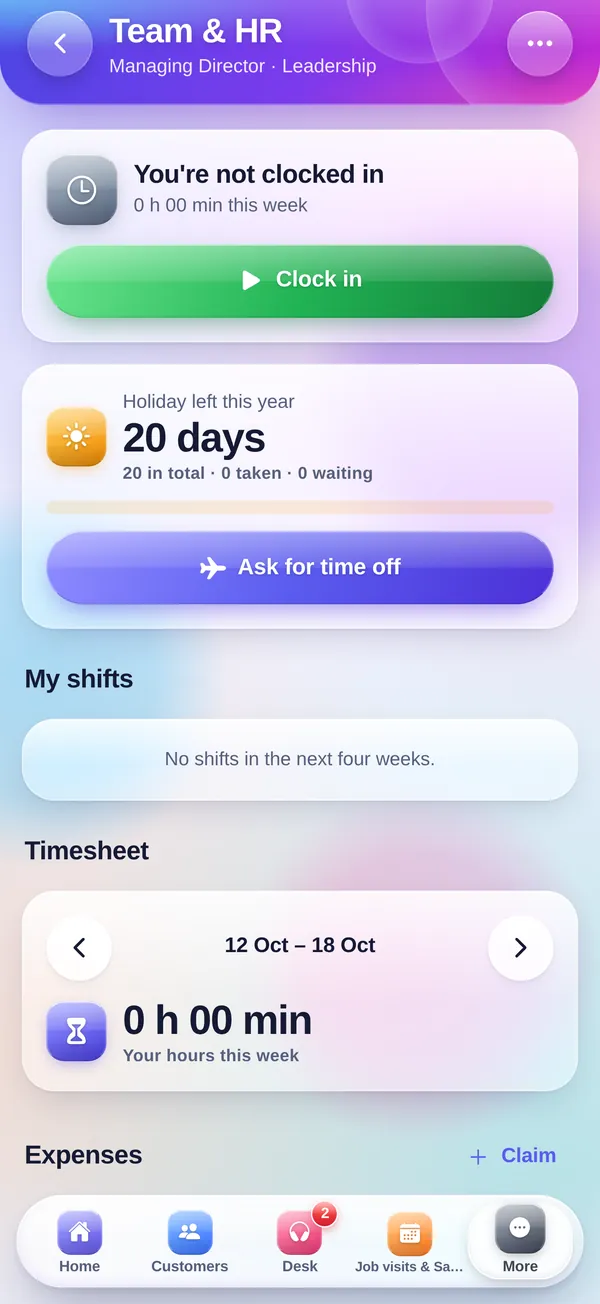
Team and HR
Clock in and out, timesheets, expenses with a receipt photo, shift swaps and approvals for managers.
Safe by design
- Two-step sign-in and the same security checks as the website
- Lock the app with Face ID or your fingerprint
- Sign in with Apple, Google, Microsoft, a passkey or an email link
- Each person only sees what their role allows
- Sign out a lost phone from the website in one tap
- Delete your account from the app's settings at any time
Help and privacy
Questions about the app? We're happy to help. Our privacy notice explains what the app keeps and why.
Open on your phone. Point your phone's camera at the code to open this page there.
New to CompanyFlowHQ? Start a free trial